

Today we’re announcing that Roboflow Batch Processing integrates with the wider ecosystem of S3-compatible storage providers.
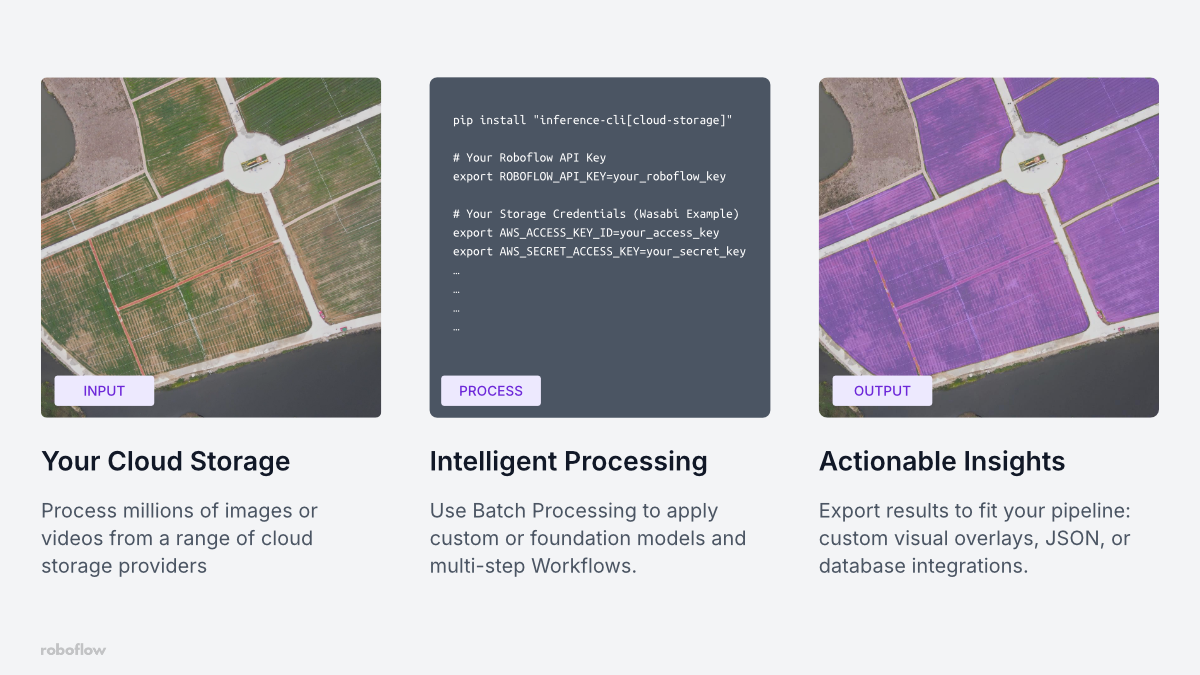
You can now process millions of images or hundreds of hours of video directly from services like Wasabi, Backblaze, or Cloudflare R2, and others. This makes it easier to bring visual intelligence to massive datasets stored in the cloud while simplifying infrastructure management and optimizing inference costs.
Bring visual intelligence to your data, wherever it lives
Setting up the infrastructure to run inference on visual data at scale isn't easy. It typically requires provisioning GPUs, configuring auto-scaling, guaranteeing uptime, and managing software dependencies.
Batch Processing handles all of this for you, so you don't need to build and manage an inference environment from scratch. It’s ideal for asynchronous use cases where you need to process large volumes of images or recorded videos. Because we optimize the computing resources used for each batch job, your inference costs can be significantly lower than using other solutions.
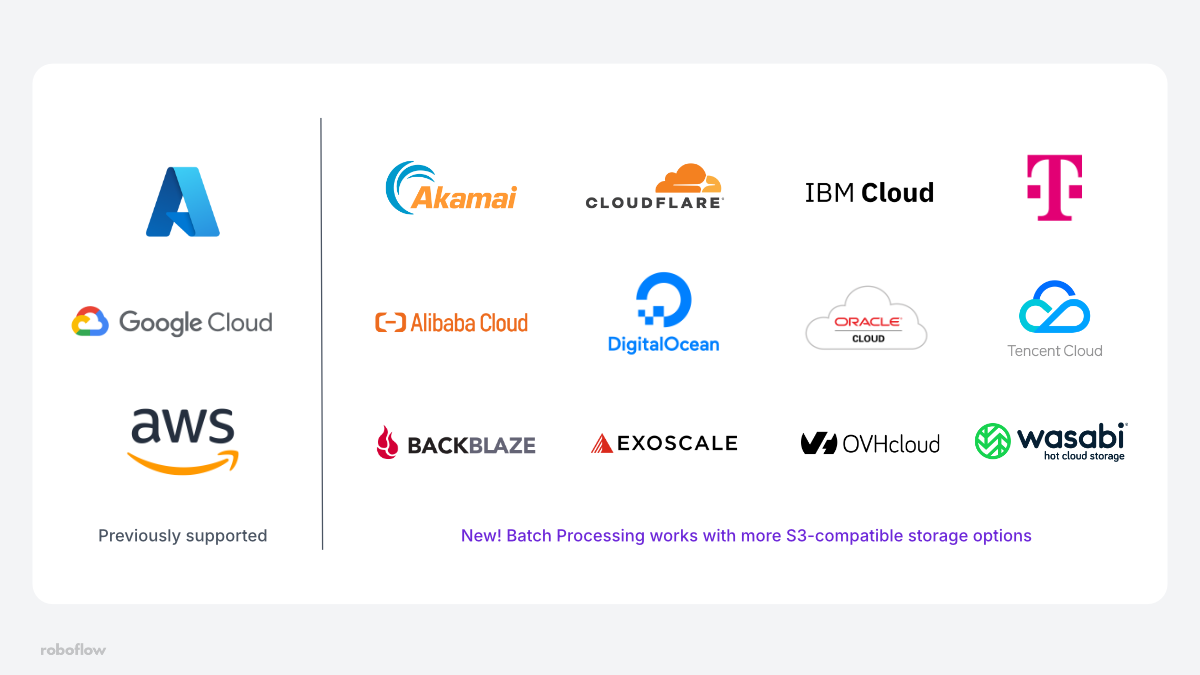
Previously, Batch Processing integrated with providers like Google Cloud, Amazon AWS, Microsoft Azure. Now we have expanded support to a wide range of S3-compatible storage services.
This reduces complexity when testing and deploying your vision applications. If you have large datasets stored in a specific cloud service, there is no need to transfer terabytes of video or images to another service before initiating a job. This can streamline uses cases in a variety of industries:
- Sports & Media: Analyze game film after a sporting event to generate detailed player tracking analytics.
- Geospatial & Drones: Process massive amounts of drone or satellite imagery to understand infrastructure planning or environmental changes.
- Agriculture: Process field imagery for harvest assessments, disease detection, and warehousing needs.
How to use Batch Processing with S3-Compatible Storage
You can start batch jobs using the Roboflow app or the Command Line Interface (CLI). For this guide, we will focus on the CLI, which is ideal for integrating into automated pipelines.
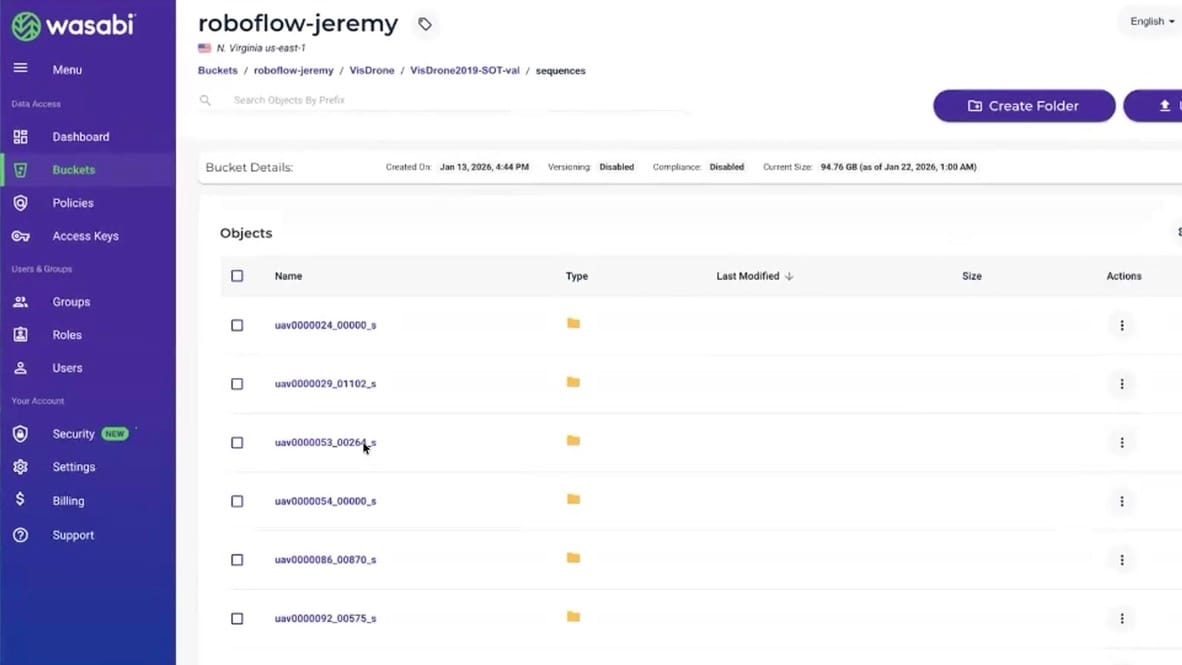
Below is a walkthrough of how to set up a job using data stored in Wasabi as an example, though the steps are nearly identical for other providers like Backblaze or Cloudflare R2.
1. Install the CLI
First, ensure you have the Roboflow Inference CLI installed with the cloud storage package enabled:
pip install "inference-cli[cloud-storage]"2. Configure Credentials
You will need your Roboflow API key and your cloud storage credentials. The CLI uses your local environment variables to generate pre-signed URLs, allowing Roboflow to access your data securely without your storage keys ever leaving your machine. Export your keys:
# Your Roboflow API Key
export ROBOFLOW_API_KEY=your_roboflow_key

# Your Storage Credentials
export AWS_ACCESS_KEY_ID=your_access_key
export AWS_SECRET_ACCESS_KEY=your_secret_key

# Or set your AWS_PROFILE configured in ~/.aws/credentials
export AWS_PROFILE=wasabi
To use S3-compatible storage, you must override the default AWS endpoint with your provider's URL. For Wasabi, you also need to specify the region your bucket resides in (e.g., us-east-1).
# Override the endpoint for Wasabi (or Backblaze, R2, etc.)
export AWS_ENDPOINT_URL=https://s3.us-east-1.wasabisys.com
export AWS_REGION=us-east-1
3. Ingest Data (Data Staging)
First, we "stage" the data. This scans your bucket and prepares the file list for processing. In this command, we reference a bucket path with images and assign a batch-id (an alphanumeric name you define to track this specific job).
inference rf-cloud data-staging create-batch-of-images \
  --data-source cloud-storage \
  --bucket-path "s3://your-wasabi-bucket-name/images/*.jpg" \
  --batch-id image-batch-001
You can run batch processing on video data as well, just as easily.
inference rf-cloud data-staging create-batch-of-videos \
  --data-source cloud-storage \
  --bucket-path "s3://your-wasabi-bucket-name/videos/*.mp4" \
  --batch-id video-batch-001
4. Run the Workflow
Once the data is staged, you can kick off the inference job. You will need the Workflow ID of the model or workflow you want to run (this can be found in the Roboflow dashboard).
inference rf-cloud batch-processing process-images-with-workflow \
  --workflow-id your-workflow-id \
  --batch-id image-batch-001 \
  --notifications-url "https://your-webhook-url.com/callback"
You can optionally add a --notifications-url to receive a webhook alert when the job is complete, allowing you to integrate Roboflow Batch Processing in to your existing pipelines
5. Get The Results!
You can check the status of your job using the job ID returned by the previous command, or simply wait for your webhook notification. Once finished, you can export the results:
# get the status and batch-id of the export
inference rf-cloud batch-processing show-job-details \
  --job-id job-0123456789

# download the results of your
inference rf-cloud data-staging export-batch \
  --batch-id output-batch-id \
  --target-dir ./results
Want to process data in AWS, Azure, or Google Cloud?
Batch Processing is not limited to AWS S3, but works just as well with Google Cloud Storage and Azure Blob Storage.
For situations where you need more control, you can also pass in presigned read URLs when initiating a Batch Processing job. For further instructions, please check out these articles about processing images from AWS S3, Google Cloud, and Azure Blog Storage.
Bringing visual intelligence to your data at scale
Roboflow Batch Processing now supports a wide array of S3-compatible providers, including popular options like Wasabi, Backblaze B2, Cloudflare R2, DigitalOcean, and Akamai, as well as regional and specialized solutions like OVHcloud, Telekom Cloud, Exoscale, Alibaba Cloud, Tencent Cloud, Yandex Cloud, IBM Cloud Object Storage, and Oracle OCI S3.
This change reflects our mission to make computer vision accessible and scalable, regardless of your infrastructure stack. Now you can build powerful vision applications and process huge datasets, no matter where your data is stored.
To learn more about configuration options and pricing, check out the Batch Processing Documentation.
Cite this Post
Use the following entry to cite this post in your research:
Patrick Deschere, Jeremy A. Prescott. (Feb 3, 2026). Launch: Process data directly from Wasabi, Backblaze B2, Cloudflare R2, and more. Roboflow Blog: https://blog.roboflow.com/batch-processing-for-s3-compatible-storage/